Creating an organized and comfortable home workspace is key to staying productive and focused throughout your workday. Whether you’re working remotely full-time, freelancing, or occasionally tackling tasks from home, a well-arranged environment can help reduce distractions and improve your overall experience. In this post, we’ll share simple yet effective tips to help you organize your home workspace for better productivity and comfort.
Why Organize Your Home Workspace?
An organized workspace promotes mental clarity and efficiency. When everything you need is within easy reach, you waste less time searching for items and more time getting work done. Comfort also plays an important role—when your physical setup supports good posture and reduces strain, you’re less likely to experience fatigue or discomfort.
1. Choose the Right Location
Start by selecting a dedicated area for your workspace. Ideally, this should be a quiet space with good natural light and away from heavy foot traffic. Having a defined spot for work can help establish boundaries between your personal and professional life.
Tips for choosing a location:
– Find a corner or spare room where you can set up a desk.
– Avoid noisy areas like living rooms or kitchens if possible.
– Consider proximity to natural light sources, such as a window.
2. Declutter Your Desk Surface
A cluttered desk can overwhelm your mind and distract you from your tasks. Keep only essential items on your desk and store or discard everything else.
How to declutter effectively:
– Remove old papers, empty coffee cups, and unnecessary stationery.
– Use trays, baskets, or drawers to organize smaller items.
– Keep frequently used items like a notebook, pen, or mouse within easy reach.
3. Invest in Comfortable and Ergonomic Furniture
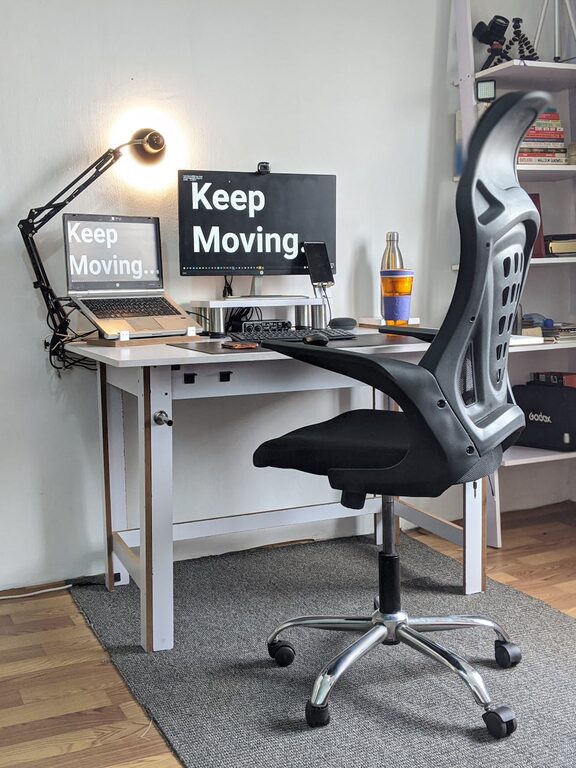
Comfort is crucial to working efficiently. An ergonomic chair and an adjustable desk will support proper posture and help avoid aches or tension.
Ergonomic pointers:
– Your chair should support your lower back and allow your feet to rest flat on the floor.
– The desk height should enable your elbows to rest at about 90 degrees.
– Consider a keyboard tray or a separate monitor stand to position devices correctly.
4. Organize Cables and Chargers
Messy cables can be distracting and hazardous. Use cable organizers, clips, or labeled ties to keep cords neat and manageable.
Cable management ideas:
– Bundle cables together with Velcro straps or twist ties.
– Use adhesive clips to route cables along the edge of your desk.
– Store spare chargers and accessories in a drawer or box.
5. Maximize Storage Solutions
Efficient storage helps maintain order and keeps items accessible but out of the way.
Storage options include:
– Drawer organizers for office supplies.
– Shelving units or bookcases to store books and binders.
– Desktop organizers with compartments for files and stationery.
6. Personalize Your Space Mindfully
Adding a personal touch makes your workspace more inviting and motivating, but avoid overcrowding it.
Personalization tips:
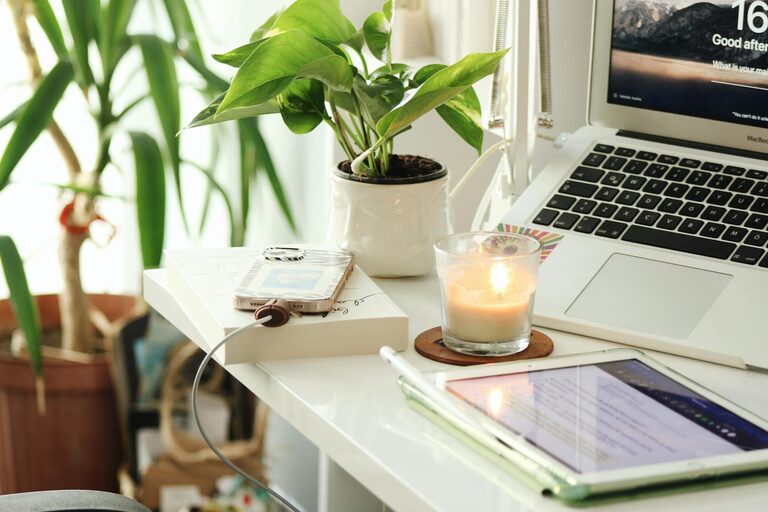
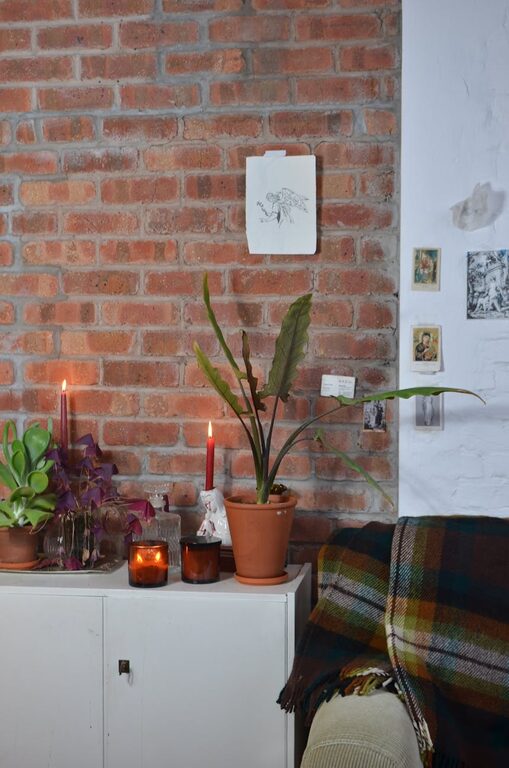
– Use one or two decorative items like a plant or a photo frame.
– Choose calming colors and natural elements to create a pleasant atmosphere.
– Avoid items that might clutter or distract.
7. Optimize Lighting
Proper lighting reduces eye strain and improves focus.
Lighting recommendations:
– Use natural light as much as possible; position your desk near a window.
– Supplement with adjustable desk lamps that provide focused light.
– Avoid harsh overhead lights or glare on your screen.
8. Keep Your Workflow in Mind
Arrange your workspace to support your tasks and habits.
Workflow considerations:
– Place your computer and monitor directly in front of you.
– Keep reference materials or planners nearby.
– Create a space for jotting down quick notes or ideas.
9. Set Up a Daily Tidy Routine
Maintaining organization requires regular effort. Spend a few minutes at the end of each day tidying your workspace to start fresh tomorrow.
Simple daily habits:
– Clear your desk of trash or unnecessary items.
– Sort and file papers or digital files.
– Charge devices and neatly coil cables.
Conclusion
Organizing your home workspace doesn’t require a big budget or major renovations—small, thoughtful changes can drastically improve your productivity and comfort. By selecting the right location, decluttering, optimizing furniture, and incorporating daily habits, you set yourself up for success and a more enjoyable work-from-home experience.
Try these simple tips today and notice how a well-organized workspace helps you stay focused and comfortable throughout your day!